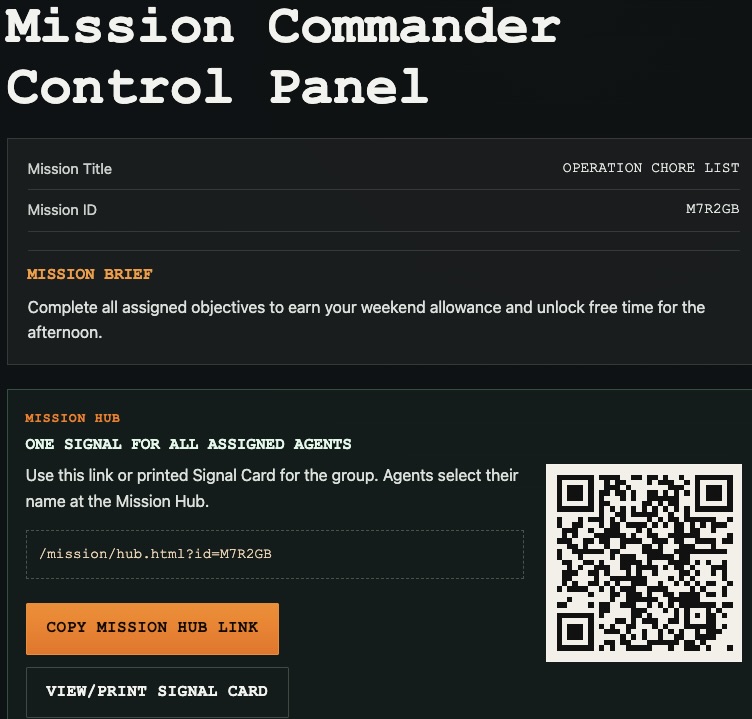
 Mission Commander Control Panel
Mission Commander Control Panel
Create one mission and assign it to multiple Agents.
Create a mission, assign Agents, share one Mission Hub link or Signal Card, and let Agents unlock objectives with a Mission Access Code.
MSRPme works for gift hunts, classrooms, church groups, team challenges, family activities, and guided objectives where one shared signal guides Agents through their mission.
Mission Commander Control Panel
Create one mission and assign it to multiple Agents.
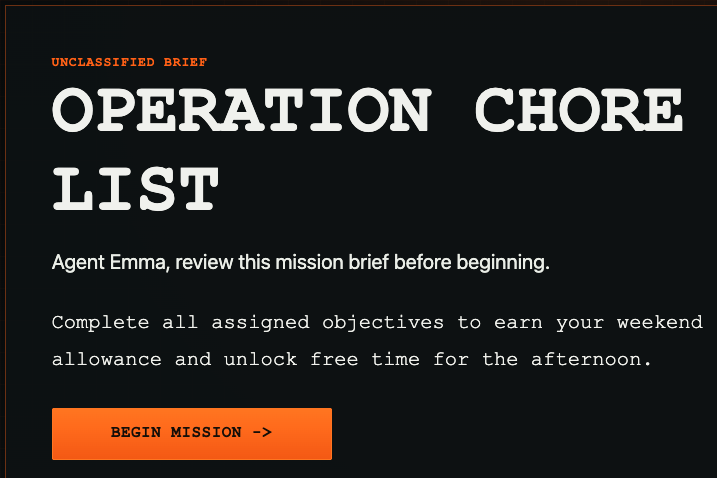 Agent Mission Brief
Agents receive their mission and unlock objectives with an access code.
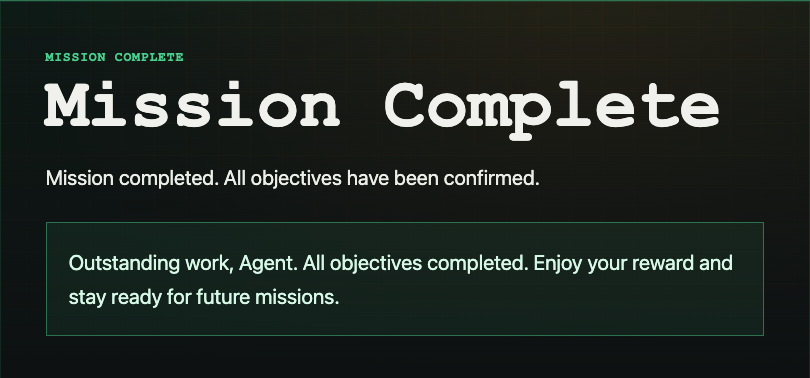 Mission Complete
Track completion and reward Agents when objectives are finished.
You are the Mission Commander. Create objectives, add the first Agent, and set a Mission Access Code or let the system generate one.
Use the Commander Control Panel to add Agents quickly. Each Agent gets their own mission copy, access code, and progress state.
Share one Mission Hub link or print one Signal Card. Agents select their identity, then enter their Mission Access Code to unlock objectives.
Agents complete objectives in sequence. The Mission Commander can watch basic progress from the control panel.